
How to Make a Website Using WordPress – A Beginner’s Step-by-Step Guide
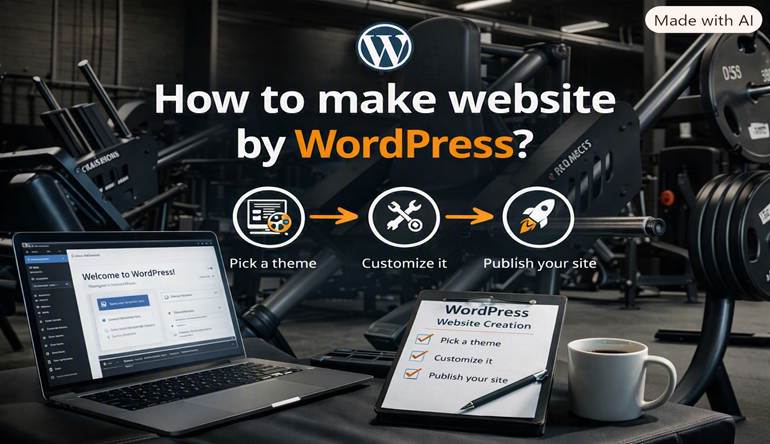
Creating web pages might seem complicated, even for professionals, if you lack a programming background. Luckily, WordPress makes designing a website pretty straightforward. WordPress is used by millions to design everything from blog sites to enterprise sites. Here is how you create a website using WordPress, even for a beginner.
1. Decide on the Purpose of your Website
Define your website’s goal and reason for existence.
Is the website going to be a personal portfolio, a blog, a business website, an fitness site, a service website, a private website, or an online store?
Once you have a goal for your site, it is easy to decide on next steps like design, layout, features, and site content.

2. Choose a domain name and hosting
The next step is to buy a domain name and hosts you website.
A domain name is the address to your website like yourbusiness.com. Think of a name that is short, memorable, reflects your business, and is easy to type.
Your web hosting is the spot where your website’s files and database reside. Pick web hosting that has good performance and security, and offers backups and strong customer support.

3. Install WordPress
WordPress is free to download and install and many hosting companies offer one click WordPress installations.
Once you download and install WordPress, you can access the Dashboard by going to yourwebsite.com/wp-admin